By Ishan Sachdeva, , a 4 minute read
Website maintenance for small businesses: what it covers and what it costs
The short version
- Maintenance keeps your site secure, working and accurate. It is not the same as a redesign.
- Many small sites need about an hour or two of care a month, and less if they are built on a simple setup.
- A good plan lists exactly what is checked, how fast problems are fixed and who owns the logins.
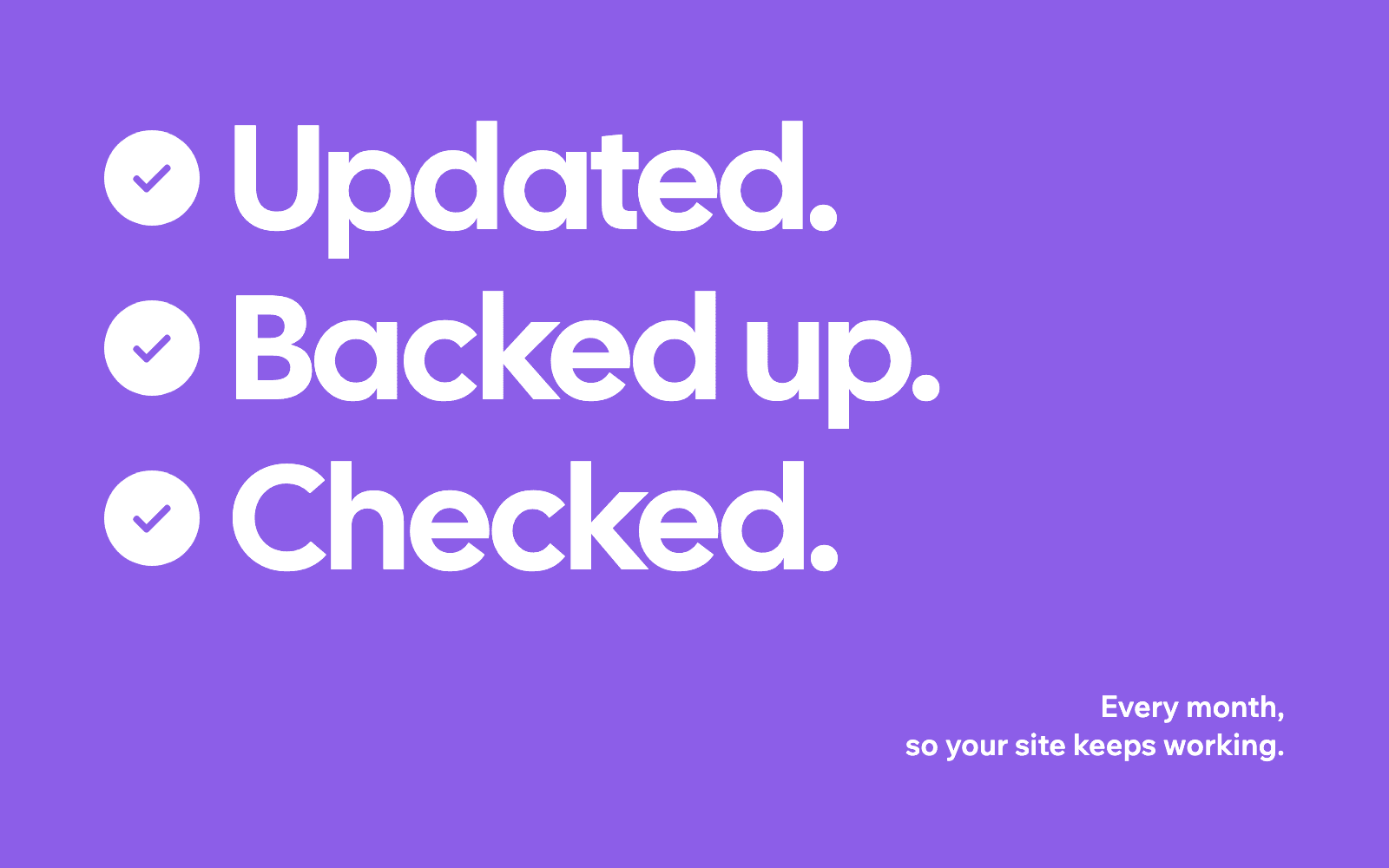
Website maintenance is the regular care that keeps a site secure, working and up to date after it launches. For most small businesses that means software updates, backups, a check that forms and bookings still work, and small content changes such as new prices or hours. It does not need to be expensive, but it does need to happen, because a site that quietly breaks costs you enquiries without you noticing.
What does website maintenance include?
The jobs fall into four groups.
Security and updates. Websites built on systems like WordPress rely on plugins and themes that get regular updates, many of them security fixes. Skipping them is the most common way small business sites get hacked. Sites built without a plugin system, or hosted on a managed platform, need far less of this.
Backups. A recent copy of your site and its content, stored somewhere other than the site itself, so a mistake or a hack can be undone in minutes rather than days.
Checks that it still works. Forms that send enquiries to the right inbox, booking and payment pages that complete, pages that load quickly on a phone, and links that still go somewhere. These break more often than people expect, usually after an update or a change to a connected tool.
Content changes. New prices, new services, holiday hours, staff changes, photos of recent work, and the occasional new page. This is where most owners actually want help.
What can you do yourself?
Quite a lot, if the site was built to be edited. You should be able to change text, photos, prices and hours yourself without breaking the design. Once a month, it is worth spending ten minutes on a simple check:
- Fill in your own contact form and make sure the message arrives.
- Open your site on your phone and tap the phone number and the main buttons.
- Search for your business name on Google and check the details are right.
- Look at your opening hours, prices and services and update anything that changed.
- Check your Google Business Profile for new reviews and questions.
If any of that feels like a chore, or the site is hard to edit, a maintenance plan takes it off your list.
What should a maintenance plan include?
A good plan is specific. Before you pay for one, ask for these in writing:
- What is checked, and how often. Updates, backups, forms, speed and broken links, with the frequency for each.
- How quickly problems are fixed. A site that is down or a form that stops working should be fixed within a working day, not "when we get to it".
- How many changes are included. Some plans include a set amount of editing time each month. Others charge for changes separately.
- Reports. A short monthly note saying what was done and anything worth knowing, such as a jump in visits or a form that failed.
- Who owns everything. Your domain, hosting and site logins should be in your name, so you can move to someone else at any time.
How much does website maintenance cost?
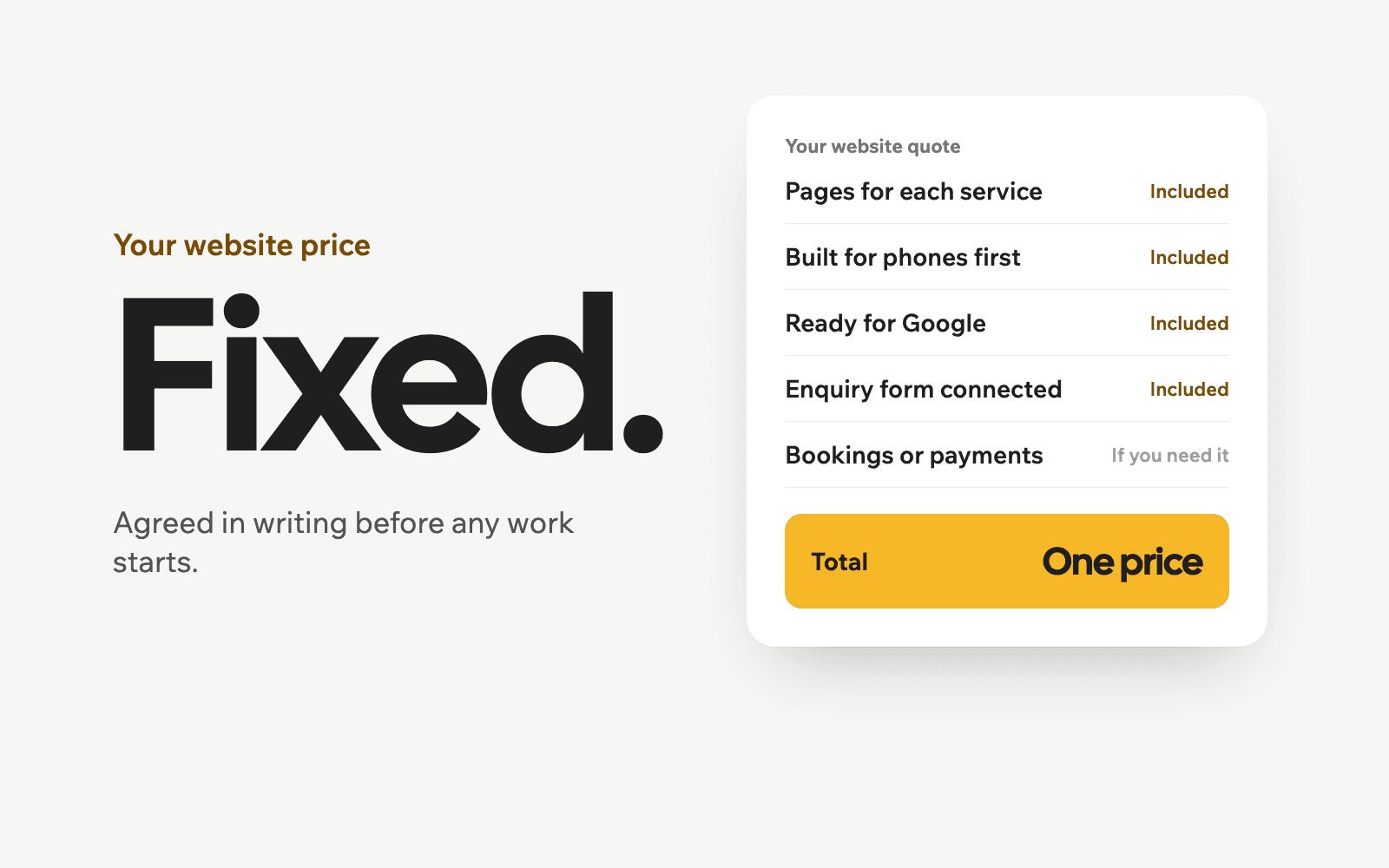
It depends on how the site is built and how much changes each month. A simple site on a managed platform may need very little beyond hosting and the occasional edit. A site with many plugins, an online store or bookings needs more regular attention, because there is more that can break.
When comparing quotes, work out the real monthly total: hosting, any plugin or tool subscriptions, and the maintenance plan itself. A low plan price that excludes updates or charges for every small change can end up costing more than a slightly higher plan that includes them. We cover the other running costs of a site in how much a small business website costs.
Signs your site needs more than maintenance
Maintenance keeps a working site healthy. It cannot fix a site that is slow, hard to use on a phone, or not bringing in enquiries in the first place. If your site has any of these problems, a redesign is usually the better spend:
- It takes more than a few seconds to load on a phone.
- You cannot update it without calling someone.
- Visitors arrive but almost nobody calls or fills in the form.
- It still describes services you no longer offer.
We explain how to keep what works and fix the rest on our website redesign page.
How Hexio Labs handles maintenance
Every site we build is set up so you can make everyday changes yourself. If you would rather not, we can look after updates, backups, checks and edits for you, with the scope and the monthly price agreed in writing first. Either way, the domain, the site and the logins are yours. Book a free call if you want us to look at your current site and tell you honestly what it needs.
Hexio Labs offers websites for businesses in Vancouver, Surrey and the rest of the Lower Mainland.